

Use these steps to work with NozomuNoto PDF planners, notebooks, stickers, covers, and template pages in Flexcil. The official links below are for downloads, updates, and current help pages.
Reference links
Use these for current app or device help, downloads, updates, vendor support, and manual references.
Use the index page in Flexcil
- Open the imported NozomuNoto PDF in Flexcil.
- Switch to Gesture mode before tapping links.
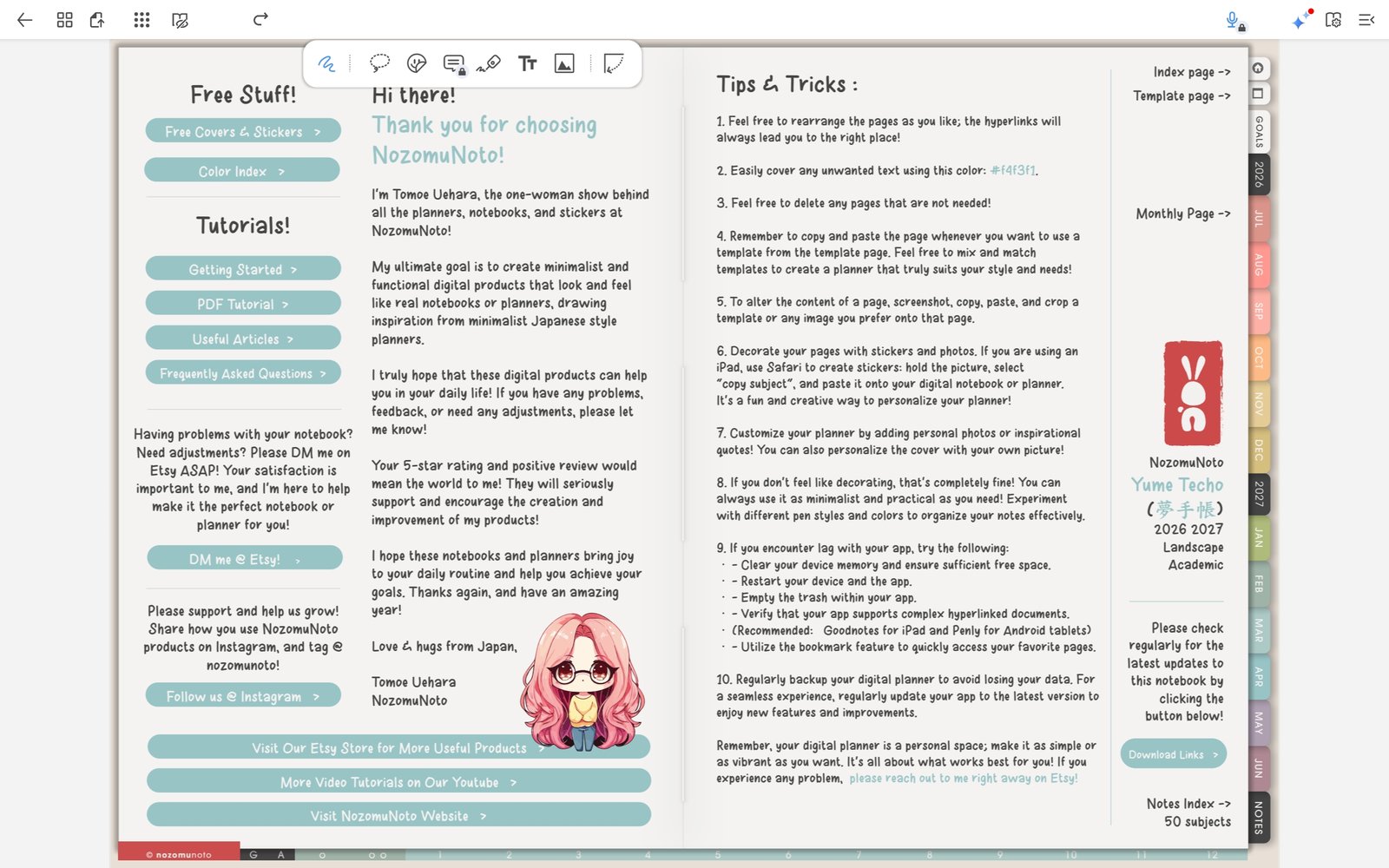
Open links in the plannerYume Techo Academic 26-27 Landscape in Flexcil for Android before using index and tab links. - Open the NozomuNoto index page near the beginning of the file or behind the Index tab.
- Tap a linked section, month, template, or notebook divider.
- Use the Page Navigation panel when you want to jump by page thumbnail instead of using the index.
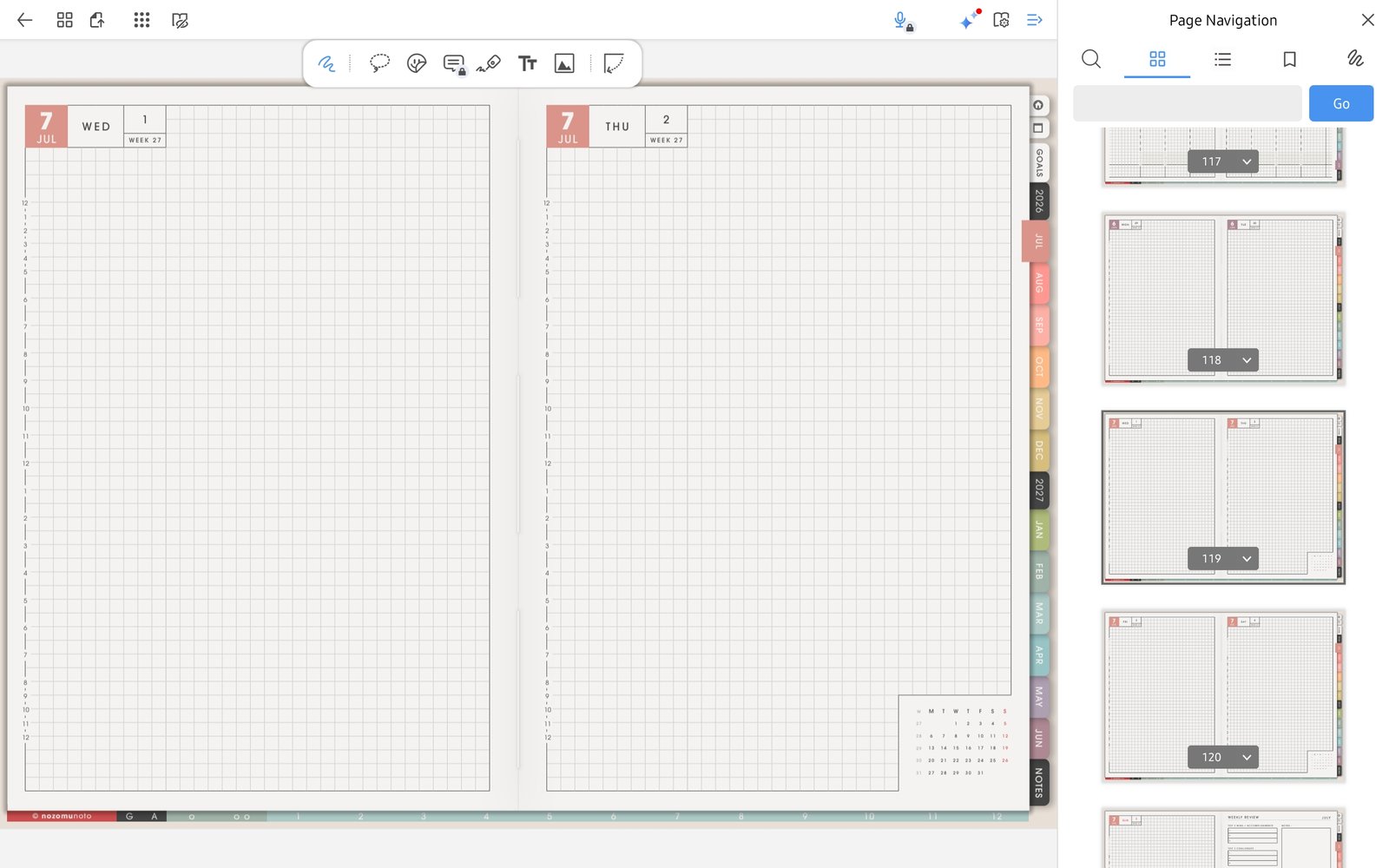
Use thumbnails when neededPage Navigation thumbnails help jump around Yume Techo Academic 26-27 Landscape when the index is not enough. - Bookmark the pages you return to often, such as Index, current Monthly, current Weekly, and Notes.