

Use these steps to work with NozomuNoto PDF planners, notebooks, stickers, covers, and template pages in Flexcil. The official links below are for downloads, updates, and current help pages.
Reference links
Use these for current app or device help, downloads, updates, vendor support, and manual references.
Change the visible cover in Flexcil
- Open the planner in Flexcil.
- Open Page Navigation and find the cover page thumbnail.
- If your Flexcil version lets you reorder pages, move the cover page to the first position.
- If reorder is not available in your version, keep the original cover order and use bookmarks or the NozomuNoto index for quick access instead.
- Return to Documents and confirm the planner thumbnail is clear enough to recognize.
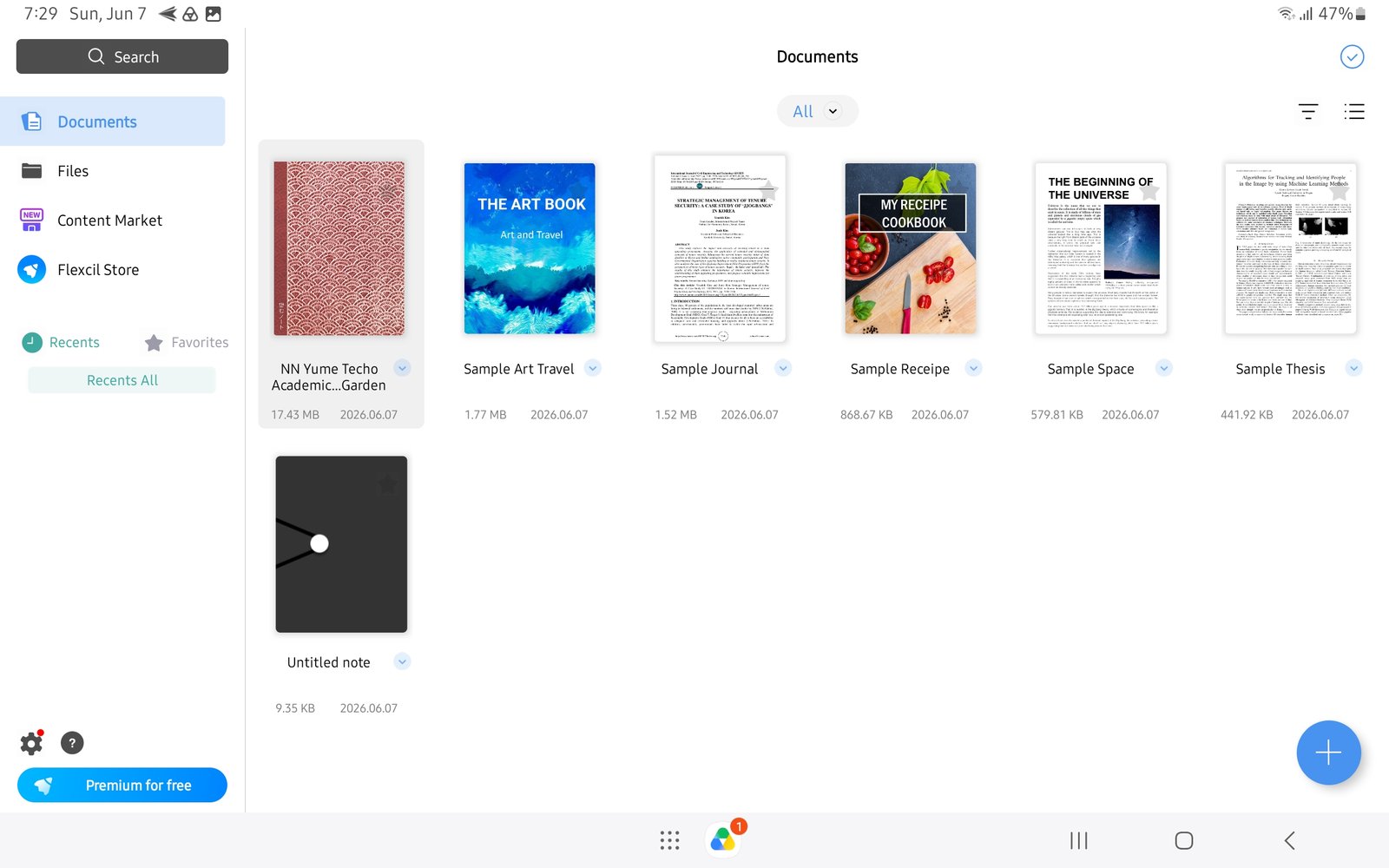
Planner thumbnailYume Techo Academic 26-27 Landscape thumbnail after import in Flexcil Documents.