

Use these Notability tips as a quick habit list for NozomuNoto planners and notebooks. The official links below are for app help, downloads, updates, vendor help, and current manual references.
Reference links
Use these for current app or device help, downloads, updates, vendor help, and manual references.
Best Notability habits
These small habits make NozomuNoto easier to use in Notability.
- Keep one clean backup outside Notability.
- Test one hyperlink before setting up the whole planner.
- Use the Index page as your home base.
- Bookmark the pages you use often.
- Copy or duplicate template pages before writing on them.
- Use page tools carefully when moving, copying, or deleting pages.
- Resize stickers a little at a time so they stay clear.
- Make small setup changes first before changing covers, pages, or sections.
- Export or back up your working copy regularly.
- Learn one feature at a time.
You can enjoy your planner without using every Notability feature on the first day.
Notability tips for an easier NozomuNoto setup
- Keep one clean backup outside Notability so you can restart from the original file if a working copy gets messy.
- Test one hyperlink with the hand tool before setting up the whole planner.
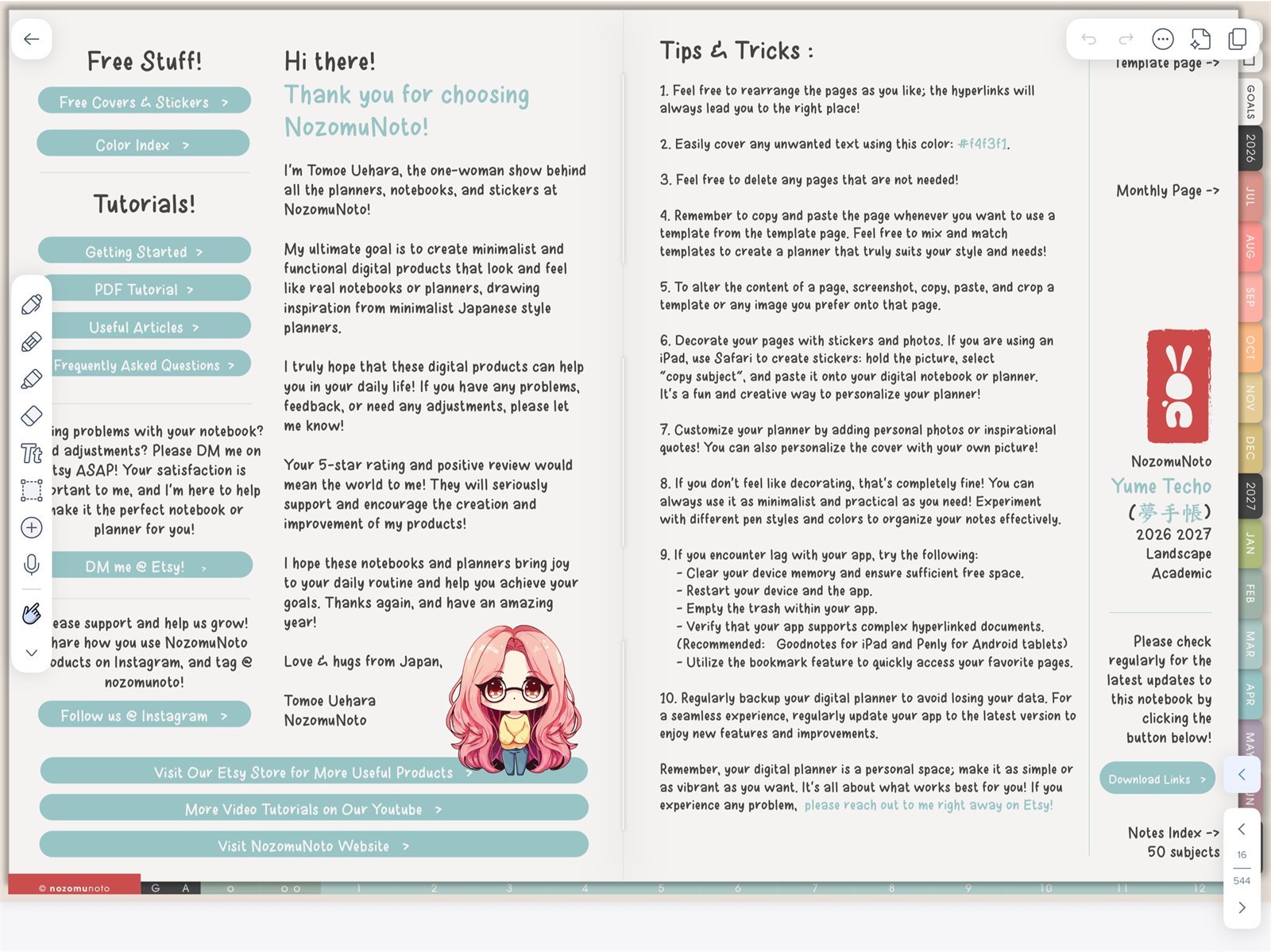
Switch tools by jobNotability Toolbox on iPad. Use the hand tool for navigation and writing tools for handwriting. - Use the Index page as your home base when you feel lost.
- Bookmark only the pages you open often, such as Index, current month, current week, and one active project or notes page.
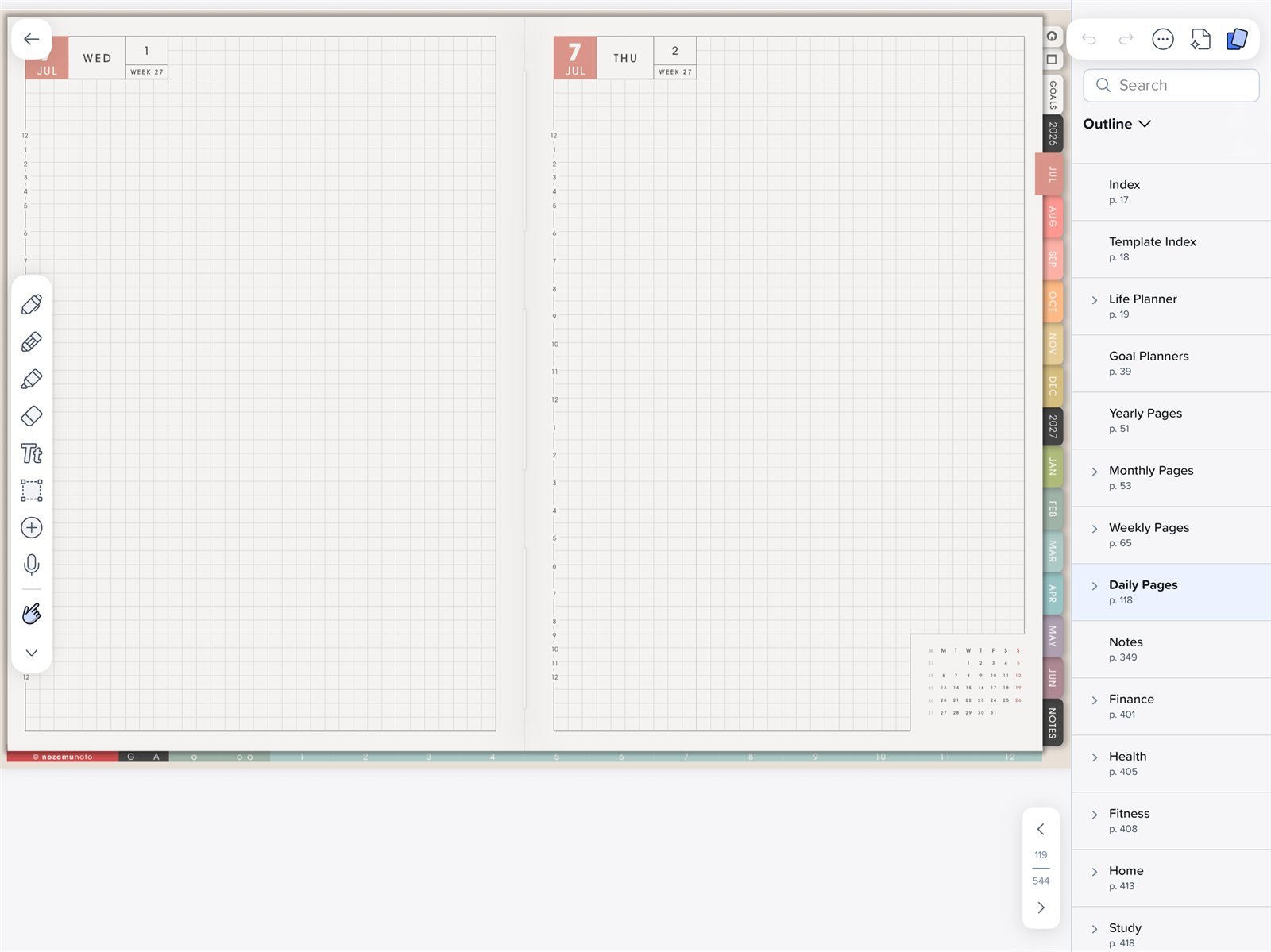
Use Content ManagerNotability Content Manager is where Yume Techo thumbnails, outline items, bookmarks, and page actions are managed. - Copy or duplicate template pages before writing on them, then keep the original template page clean.
- Use Content Manager carefully when moving, copying, duplicating, or deleting pages.
- Resize stickers a little at a time so they stay clear.
- Make small setup changes first before changing covers, pages, or whole sections.
- Export or back up your working copy regularly.
- Learn one Notability feature at a time.
When to use another Notability help article
Use the detailed tutorials for full steps. This page is the shortcut list for habits you can return to later.
Next Notability tips links
- Set up your first NozomuNoto planner in Notability
- Import a NozomuNoto PDF in Notability
- Use planner hyperlinks in Notability
- Manage pages in Notability
- Notability known problems
- Use the index page in Notability
- Use template pages in Notability
- Handle stickers in Notability
- Notability official getting-started guide