

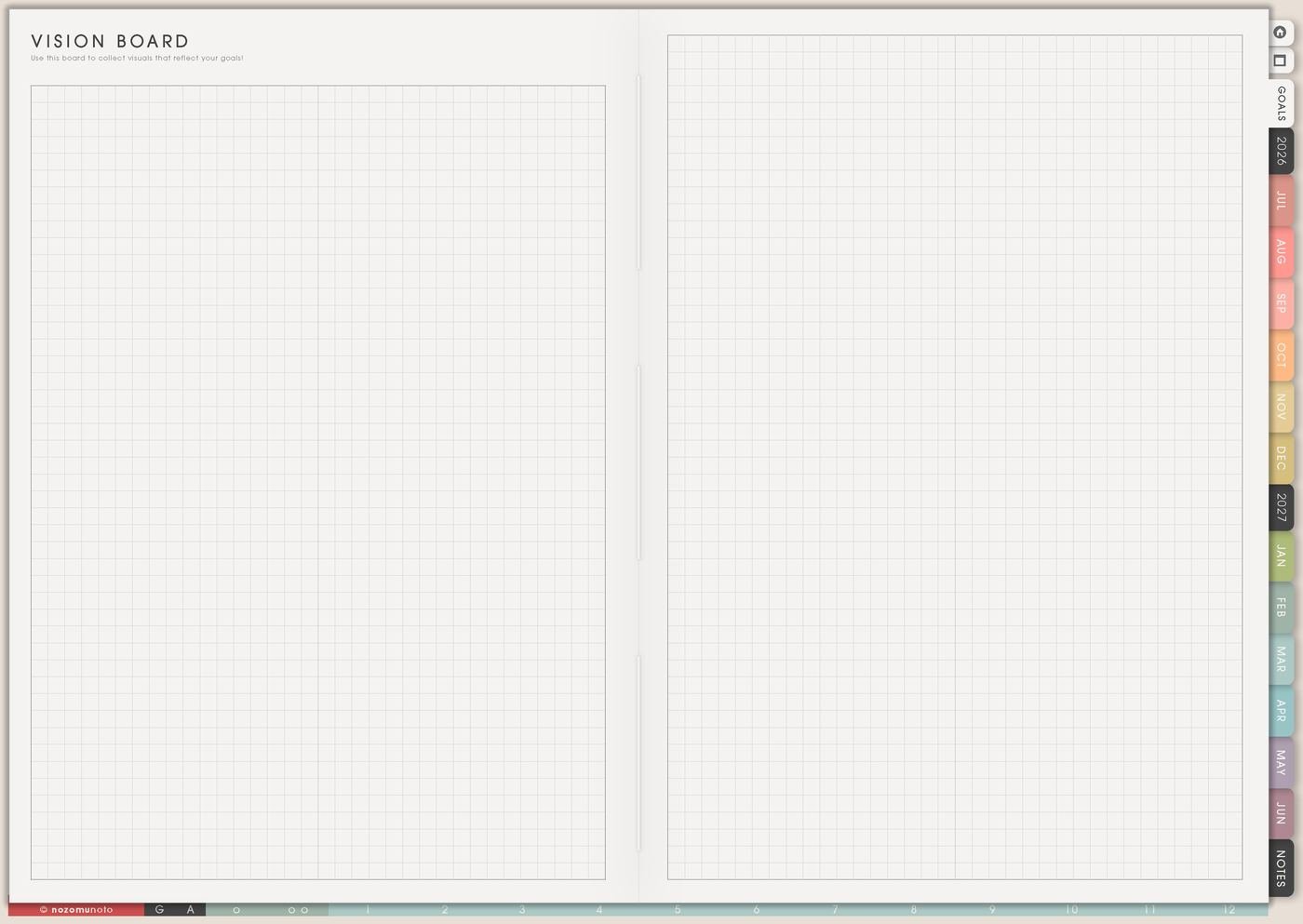
The Vision Board page is for images, words, and reminders that make a direction easier to see. I use it for visual cues that help with choices this season, not for a perfect collage that has to impress anyone.
A useful Vision Board connects one picture to one real-life cue. A desk image can point to a work reset. A walking path can point to after-lunch movement. A planner spread can point to keeping pages simple enough to reopen.
How to fill the Vision Board page
- Choose a season or theme. Name what this board is for: study, home, creative work, health, shop, family, faith, travel, or rest.
- Add a few images. Use pictures that feel usable, not only dreamy.
- Add short words. Use phrases that still feel believable on a tired day.
- Connect one image to action. Pick one image and write what it means for Monthly or Weekly.
- Leave room to change. A board can grow during the season.
Ways to use Vision Board
1. A visual season note
Use the page to show what this season should feel like in ordinary life. It can hold a study corner, a product photo, a family meal, a walking route, a book stack, a tidy shelf, or one planner page you want to return to.
2. A simple zone board
Try a few zones such as home, body, work or study, relationships, and joy. One image per zone is enough. The point is to make the direction easy to recognize at a glance.
3. Words that help you return
Use words you could say to a friend: start again, make it easier, protect sleep, one page today, ask for help, keep going, or make useful things slowly and well. Favorite Quotes can hold the longer version; Vision Board can hold the short reminder.
4. One image, one action

Beside one image, write a small action it suggests. A home image can become clear dining table Sunday. A travel photo can become save twenty dollars. A study image can become review notes after class.
5. A board that can change
Academic year, product launch, recovery, holiday, moving, and family seasons can all need different reminders. If the page stops fitting, update one corner instead of rebuilding everything.
6. Review Vision Board during Monthly Overview
During Monthly Overview, ask what still feels true, what no longer fits, and what action belongs in the next week. Circle one word or image and move one matching action to Weekly.
If the board says more peace, the weekly action can be one quiet morning before errands. If it says creative work, the weekly action can be outline one idea. One tiny connection is enough.
What I usually use it for and how I use it
Related Tips: Life Planner page ideas shows how I connect the board to the current season, Favorite Quotes page ideas helps when the board needs words, and Weekly Review reset ideas shows how I turn one visual reminder into one next action.
Tips for using this page
- Connect one image to one real choice. A clean desk image can become clear dining table Sunday. A travel photo can become save twenty dollars.
- Use grounded images too. Add a local walk, an easy meal, one finished page, a real memory, a study corner, or a small creative setup.
- Limit the setup. Five images, one phrase, and one weekly action is enough for the first version.
- Keep the page readable. Use zones or reduce the board to the strongest three to five reminders when the page gets crowded.
- Review it during Monthly Overview. Circle one image or phrase that still matters and move one matching action to Weekly.
Keep private images safe
Vision Board can include family, home, body, health, faith, money, work, or travel dreams. Keep private addresses, children’s personal details, medical details, payment details, private messages, and images that need permission outside the planner. Use safe reminders like family meal, local walk, study corner, launch photo, or check secure folder.
When you need setup help
Vision Board helps with visual planning. If you need exact app steps for adding images, copying template pages, importing Yume Techo, or using hyperlinks, open the NozomuNoto Help Center for your app or device.
Final thought
Vision Board is useful when it reminds me of real choices. Keep it grounded, seasonal, and simple enough to revisit. I hope one honest image connected to one weekly action helps the page become useful, not only pretty!