

Use these steps to work with NozomuNoto PDF planners, notebooks, stickers, covers, and template pages in CollaNote. The official links below are for downloads, updates, and current help pages.
Reference links
Use these for current app or device help, downloads, updates, vendor support, and manual references.
Bookmark pages in CollaNote on iPad
- Open the page you want to save, such as Index, current month, current week, Today, or a favorite template.
- Tap the left-side Bookmarks tool.
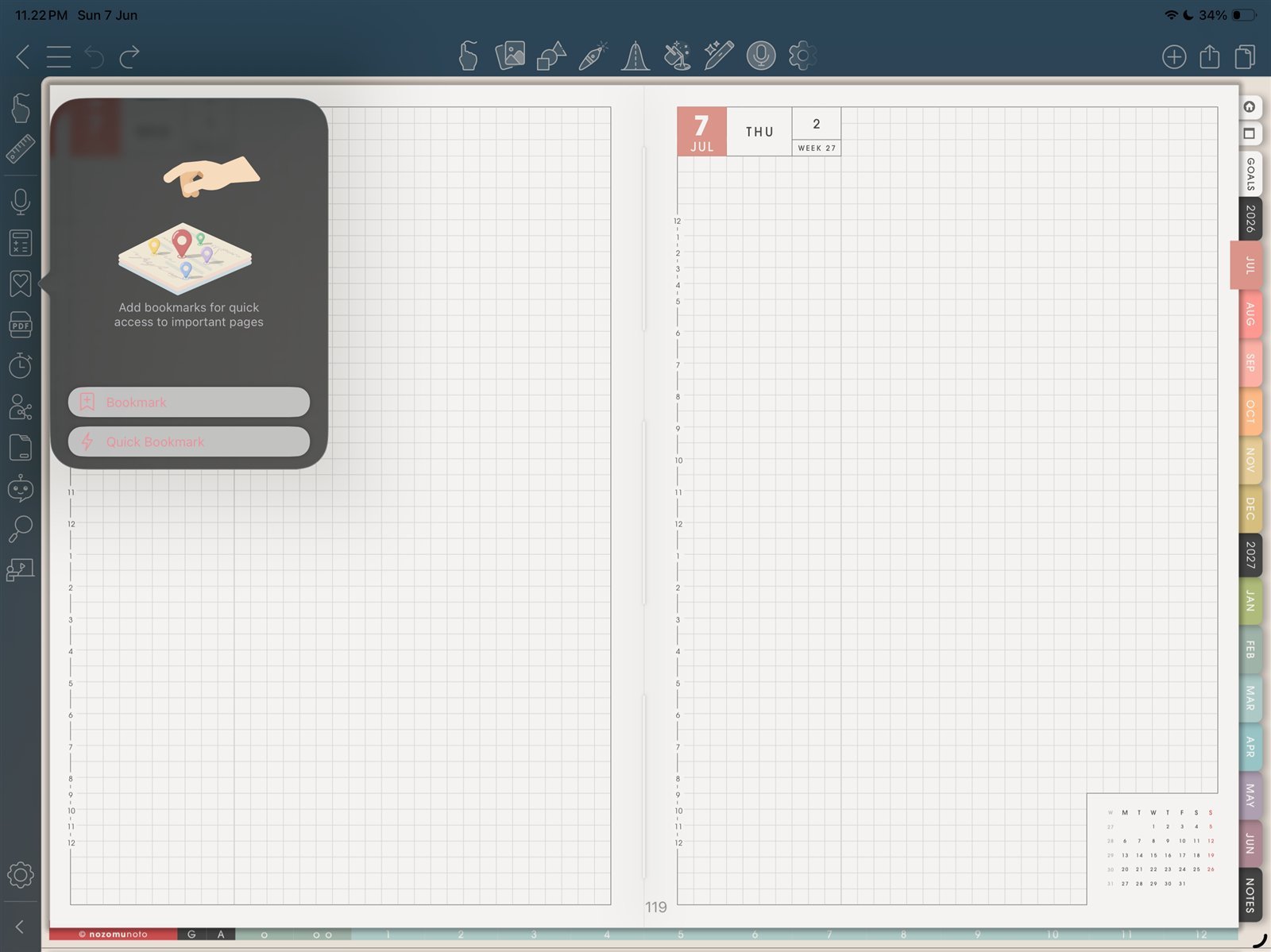
Bookmark toolOpen the bookmark tool from the left sidebar. Product shown: Yume Techo Academic 26-27 Landscape. - Choose Bookmark or Quick Bookmark.
- If CollaNote asks for details, enter a clear title and choose a simple icon or color.
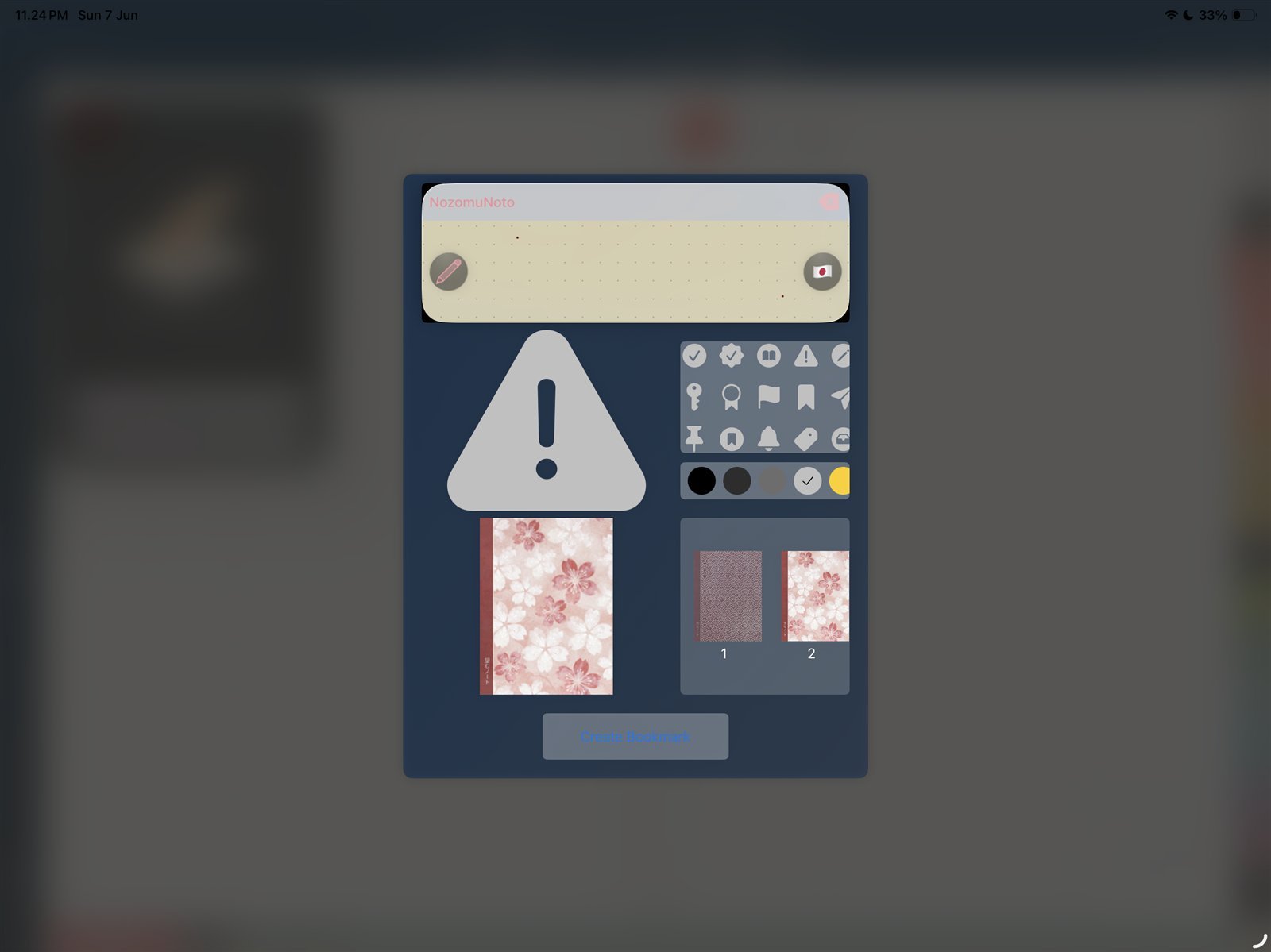
Bookmark detailsAdd a clear bookmark title and simple icon or color if CollaNote asks for details. Product shown: Yume Techo Academic 26-27 Landscape. - Use the bookmark list to jump back to saved pages later.
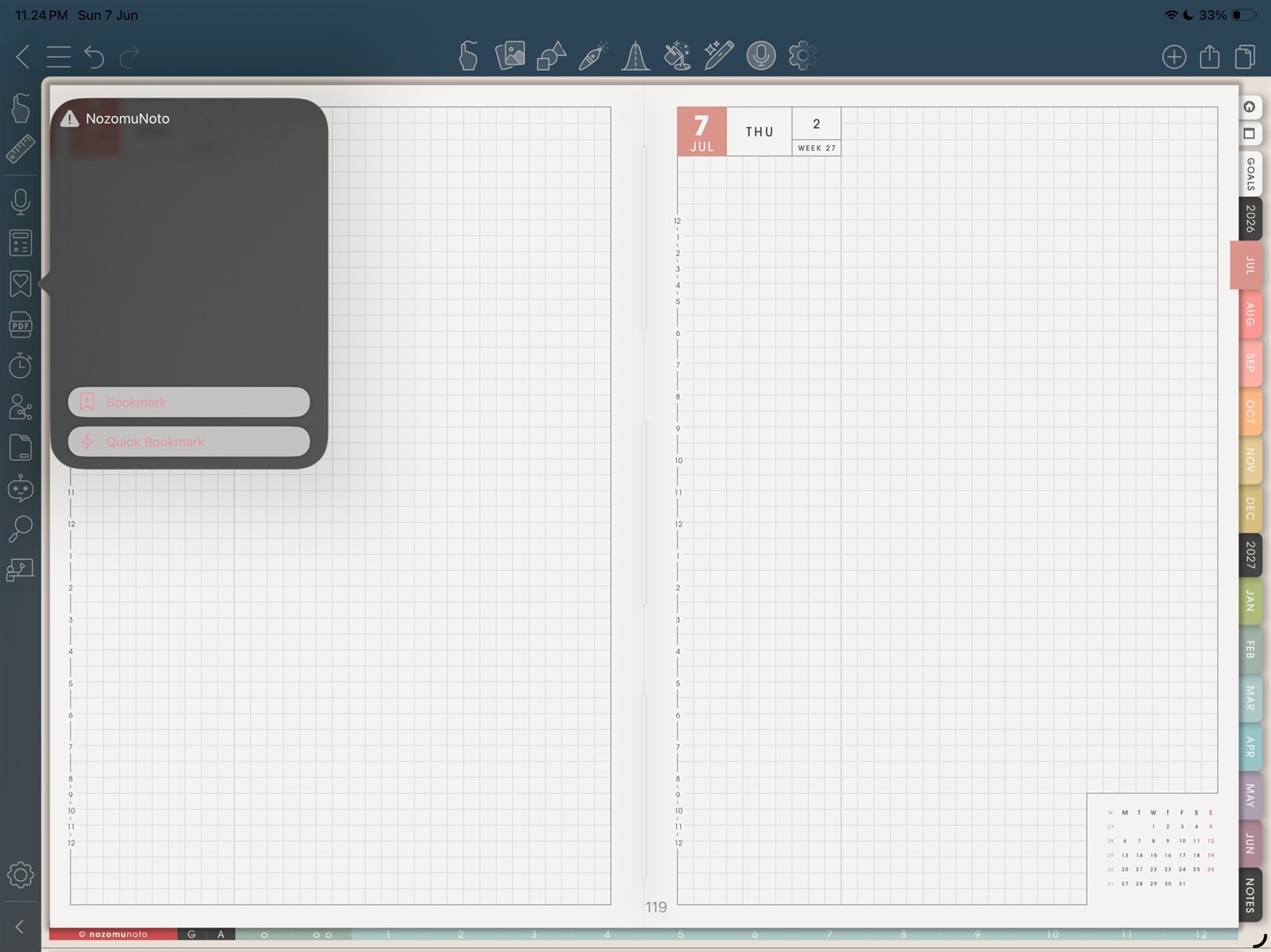
Saved bookmarkUse the saved bookmark to return to the page later. Product shown: Yume Techo Academic 26-27 Landscape.
Notes
- Bookmark only useful shortcuts: Bookmarks help most when they stay short. Use them for pages that reduce daily friction, not every page that looks nice.
Good bookmark choices
- Index: best if you want one master jump point.
- This Month: best for deadlines, bills, appointments, and fixed dates.
- This Week: best for the current focus page.
- Today: useful if the daily page is part of the routine.
- One active template: project, class, routine, tracker, or notes page you keep reopening.
If bookmarks become messy
Remove temporary bookmarks when the project, week, or routine is done. A small bookmark list should feel like a dashboard, not a second table of contents.
- If bookmarks become crowded, keep only Index, current month, current week, and pages you reopen often.